How many of us had after-school or extra curriculum activities growing up? like Kumon?
I did. And honestly? I hated the homework. I remember throwing all the homework papers away and telling my tutor, “I lost them all.” Simple. I just didn’t want to do it. I WAS LAZY.
Fast forward to now.
AI and vibe coding somehow dragged me right back into that kid mindset. Back to Being a lazy kid. Exploring AI is fun. Trying new tools is exciting…when it’s playful. Not when it’s constantly shoved down your throat and everyone is yelling:
AI this AI that AIAIAIAIAIAIAI
every. single. hour.
I love creating and experimenting only when it doesn’t feel like homework with a deadline. And part of me still wants to do fun, weird, slightly irresponsible things with technology. Because…I’m a designer. I come from the generation that everyone googled
“How to download Adobe Photoshop free” "Photoshop serial key"

back in the Photoshop 4.0 / 5.0 era 😅 That adventurous, curious energy never left me. The only difference now? We don’t pirate software anymore. We pay with money and dignity like responsible adults.
Claude Code: Better Than I Expected (But my bank disagrees)
Honestly, using Claude Code brought back memories of fearlessly trying things purely from imagination. And wow!! Claude Code is much better than I expected. The only problem? My phone keeps buzzing with: “You successfully paid Anthropic! $X.XX” because I keep running out of tokens. So for my first AI-KUMON homework, I decided to keep it simple.Very simple. A moodboard.
Lesson 1: Installing Claude Code (aka Humility Training)
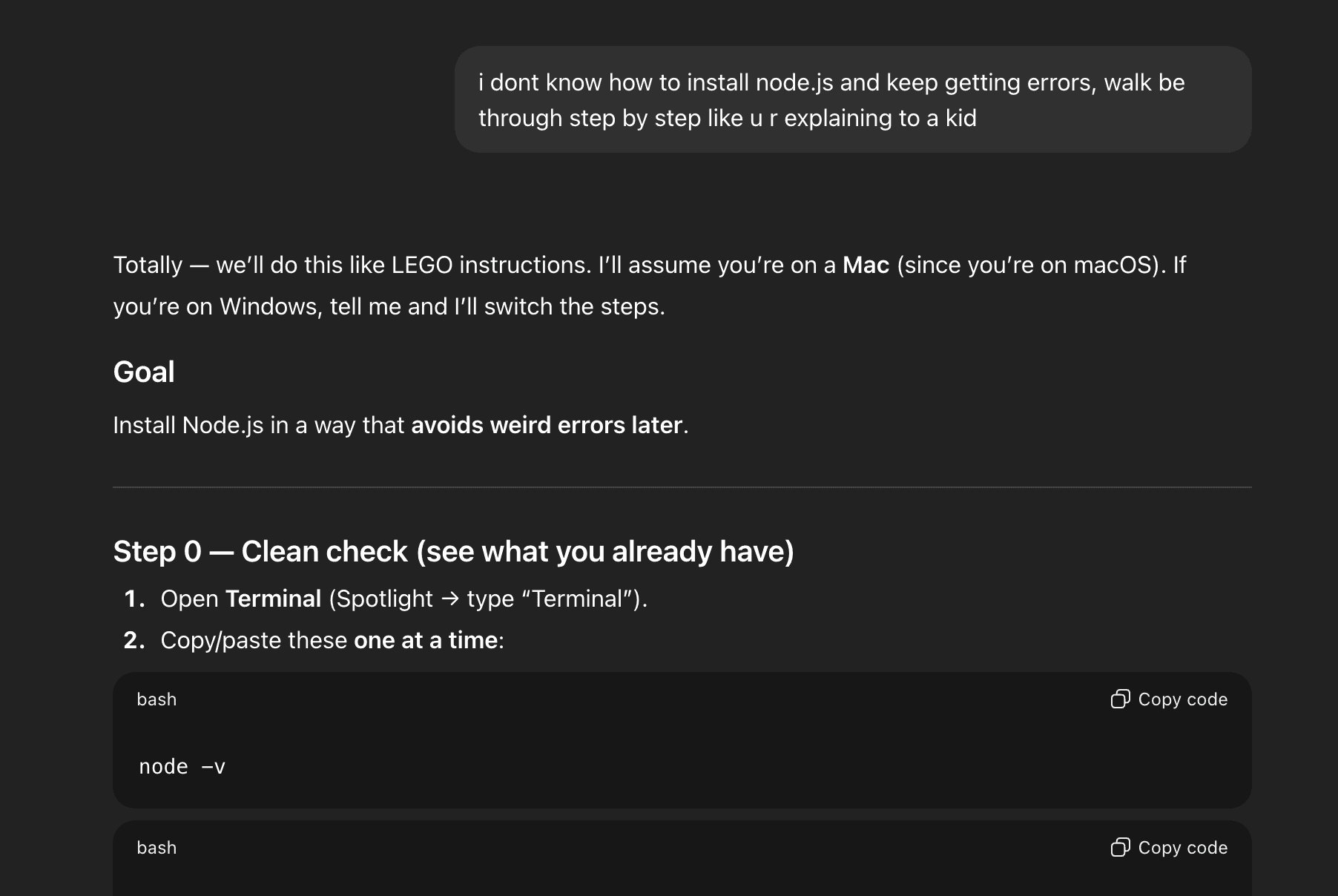
Step one: install Claude Code. I got stuck within 5 seconds.
Node.js.
Packages.
Native locations. Terminal WHAT?
Absolutely no idea what was going on. So I did what any sensible person would do. I asked a very good friend of mine. I also have my own GPT set up specifically for prompting with a “be nice to me” tone so I don’t take emotional damage while learning. My friend didn’t skip anything. He started from Step 0.

Like:
what to click
where to click
why you’re clicking
Basically “Node.js & Claude Code for Dummies.” Without him, I would’ve spent the entire night doom-scrolling forums and questioning my intelligence.
Hello Claude, Let’s Vibe ♫₊˚.🎧 ✧
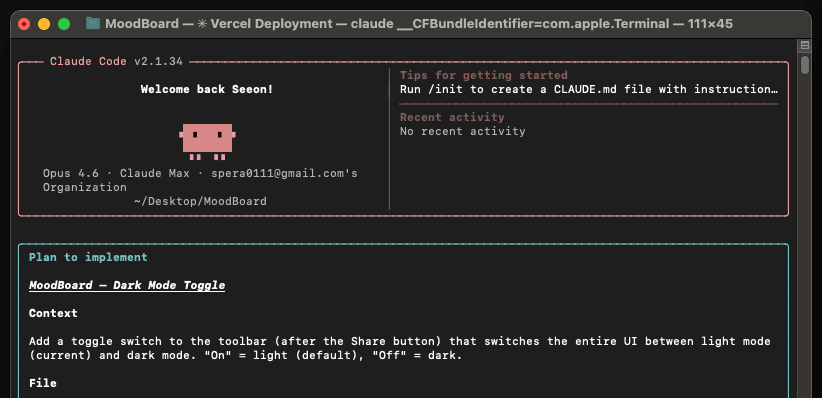
Then finally! I met this cute little Claude bot. Now we’re vibing. Coming from previous vibe-coding experiences (like Figma Make), a few things really stood out.
1. You Need to Know the Drill
Just like working with engineers and PMs, language matters. You could say: “I’m imagining this big square with some buttons and you can close it” But Claude will probably just stare into the void and guess. When I used proper product terminology, everything clicked faster.
For example: “I want a modal that appears on load, with two actionable buttons and a close icon in the top-right corner and 16px padding around the modal.” Claude immediately understood. Same idea. Better language. Way better results.
2. You Need to Know More Than the Basics
Anything involving especially if you want some fancy things:
HTML5 APIs
CSS styling sheet
JavaScript logic, etc
If you’re not sure how something works, better to ask first before prompting. Otherwise your prompt becomes vague, the output becomes uncertain, and you end up debugging in circles, burning tokens and time.
3. “I Built an App with Zero Knowledge” Deserves Respect
I now have huge respect for people who say: “I launched this app with vibe coding and no product or coding background.”
Either:
they have perfect chemistry with AI
or they burned through an insane amount of credits with 4 different AI until things magically worked
Probably both. I strongly believe we need to speak a similar language to AI to work efficiently. Writing skill is no longer optional.
Being able to:
verbalize concepts clearly
explain structure
describe behavior in simple, precise sentences
…is becoming a core skill for designers, builders, and creators.
The Moodboard Project (My AI-KUMON Homework #1)
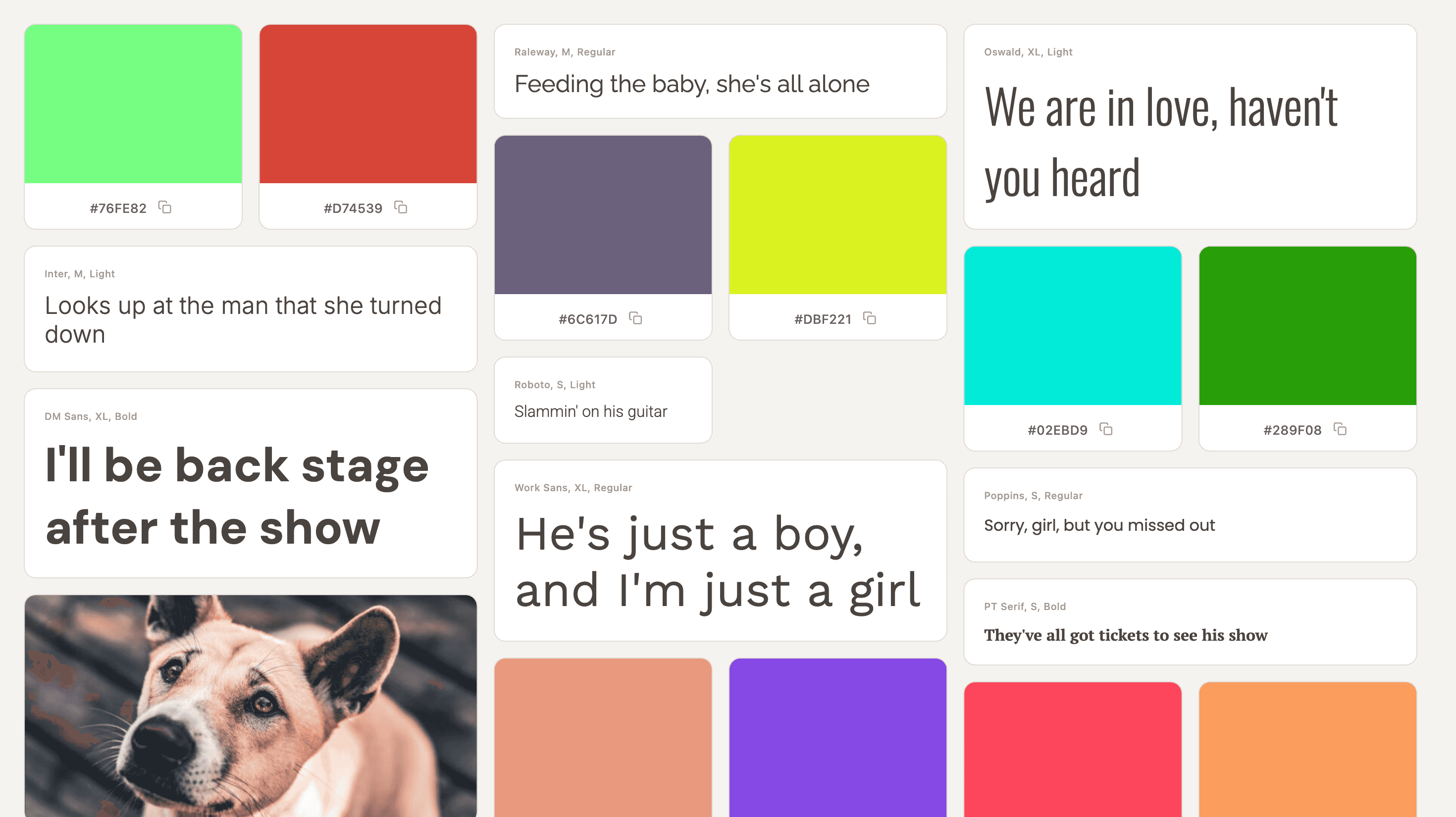
Here’s what I built:
Start from a blank canvas, or let the site surprise you with random visuals
Begin from color, image, or typography
Collapsible side panel with support for multiple boards
Export the board as PNG or share it with others
A floating pill UI that’s dockable to the top or draggable
Draggable cards that can be dropped onto the responsive canvas
Favorite items to highlight, or remove them entirely
And of course…
🌙 DARK MODE (because obviously)
Final Thoughts
This really feels like my “Hello, World!” moment with AI.
Playful.
A little frustrating.
Nostalgic.
And surprisingly motivating.
If you grew up with Kumon or ran away from it like I did. Give this a try! I know there are so many of you still hesitating or procrastinating. It's not too late to catch up! Please have fun with my first AI-KUMON homework. And stay tuned for the next Kumon assignment! Adios!
To try moodboard: https://moodboard-snowy-sigma.vercel.app/
How many of us had after-school or extra curriculum activities growing up? like Kumon? I did. And honestly? I hated the homework. I remember throwing all the homework papers away and telling my tutor, “I lost them all.” Simple. I just didn’t want to do it. I WAS LAZY. Fast forward to now.